Redesigning a website usually starts with high ambitions. You want a fresh look, better performance, and a system that actually helps your business grow. Then reality sets in. Rankings drop, links break, and leads stop coming in for three months.
Most launches fail because teams treat a redesign like an interior design project. They focus entirely on how it looks and ignore the data structure underneath. A proper website redesign checklist prevents these expensive mistakes.
I use a strict process to protect search engine rankings and user data during a migration. Here is what matters before you press publish.
Audit your existing traffic and URLs
Before you change a single design file, you must know what you already have. Go into your analytics tool and export your top landing pages. You need to know which pages bring in traffic and which ones make money.
If a page ranks well on Google, you cannot simply delete it or move it without a plan. You must map every old URL to its exact replacement on the new site. If you change the address of a high-performing page without telling search engines, your traffic will vanish overnight.
Freeze content changes early
Moving targets ruin timelines. If your team keeps writing new copy or adding pages while the developer is building the template, the project will stall.
Finalise your text at least two weeks before launch. This allows the design to fit the words, rather than forcing words into random boxes. It also ensures that your navigation structure remains stable during the final testing phase.
Set up a comprehensive redirect map
Redesigns almost always involve changing URL structures. A clean domain architecture often requires you to shorten links or organise categories logically.
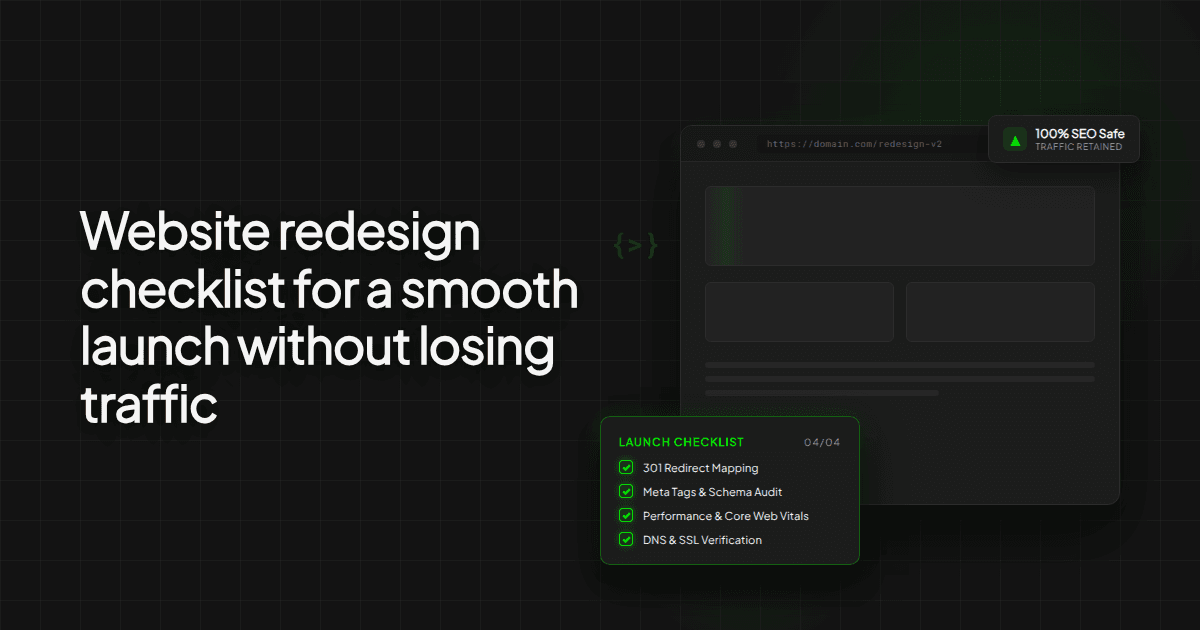
You need a spreadsheet that lists every old URL in column one and the corresponding new URL in column two. When the new site goes live, your developer will apply these 301 redirects on the server. This tells search engines that your content has moved permanently, passing your existing authority to the new pages.
Test mobile performance and forms
Most of your visitors will look at your new site on a phone. Desktop designs can look stunning while the mobile version suffers from broken layouts and slow loading times.
Test every single interactive element yourself. Fill out the contact forms, trigger the booking calendars, and check the checkout flow if you run an online store. Do not rely on automated tools to tell you if a form works. Submit a test message and make sure it lands in your inbox.
Check technical foundations before going live
Design is only half the job. Before the site goes public, run through a technical audit. Check that your security certificate is active, your analytics tracking code is present on every page, and your robots file does not block search engines.
You should also generate an XML sitemap and submit it to Google as soon as the site launches. This accelerates the indexing process and helps the search engine understand your new structure quickly.
Own your accounts and code
One of the biggest risks in any web project is vendor lock-in. Ensure that you own the hosting account, the domain registrar, and the source code from day one.
If your developer holds your assets hostage, you lose control of your business. When I build marketing sites or web applications, the client always owns the underlying accounts and code. You should never have to ask permission to access your own property.
A smooth launch is the result of boring preparation. If you map your redirects, lock down your content, and test your forms thoroughly, you will protect your traffic and start generating leads from day one.
Building something along these lines?
Thirty minutes, no pitch. You describe the problem, I tell you whether it is worth building and roughly what it takes.
Book a call